 GrooveCutter
Command line
The same splitter in a terminal, with the same review keys and saved cuts. Recording is in the app only.
Download
- macOS: Apple Silicon or Intel (Apple menu → About This Mac shows which chip you have)
- Linux: x86-64 or
Arm64. Needs glibc 2.34 or newer (Ubuntu 22.04,
Debian 12 or later) and
libasound2. - Windows: x86-64. Unzip and run
groovecutter.exefrom a terminal.
Install on macOS
tar xzf groovecutter-macos-apple-silicon.tar.gz
xattr -d com.apple.quarantine groovecutter   # unsigned; once
sudo mv groovecutter /usr/local/bin/          # optional
groovecutter --help
"Cannot be opened because the developer cannot be verified" means the
xattr step was skipped. Right-click → Open also works.
Use
- Set the Discogs token (the first run asks for it):
groovecutter config set discogs-token <token> - Split. Point it at the release, or let it search:
groovecutter split --release 4570366 side-*.wav groovecutter split --search "Daft Punk - Random Access Memories" side-*.wav groovecutter split --barcode "8 88837-16861 8" side-*.wav groovecutter split side-*.wav # guesses from the names - The review opens in the terminal, with the same keys as the app.
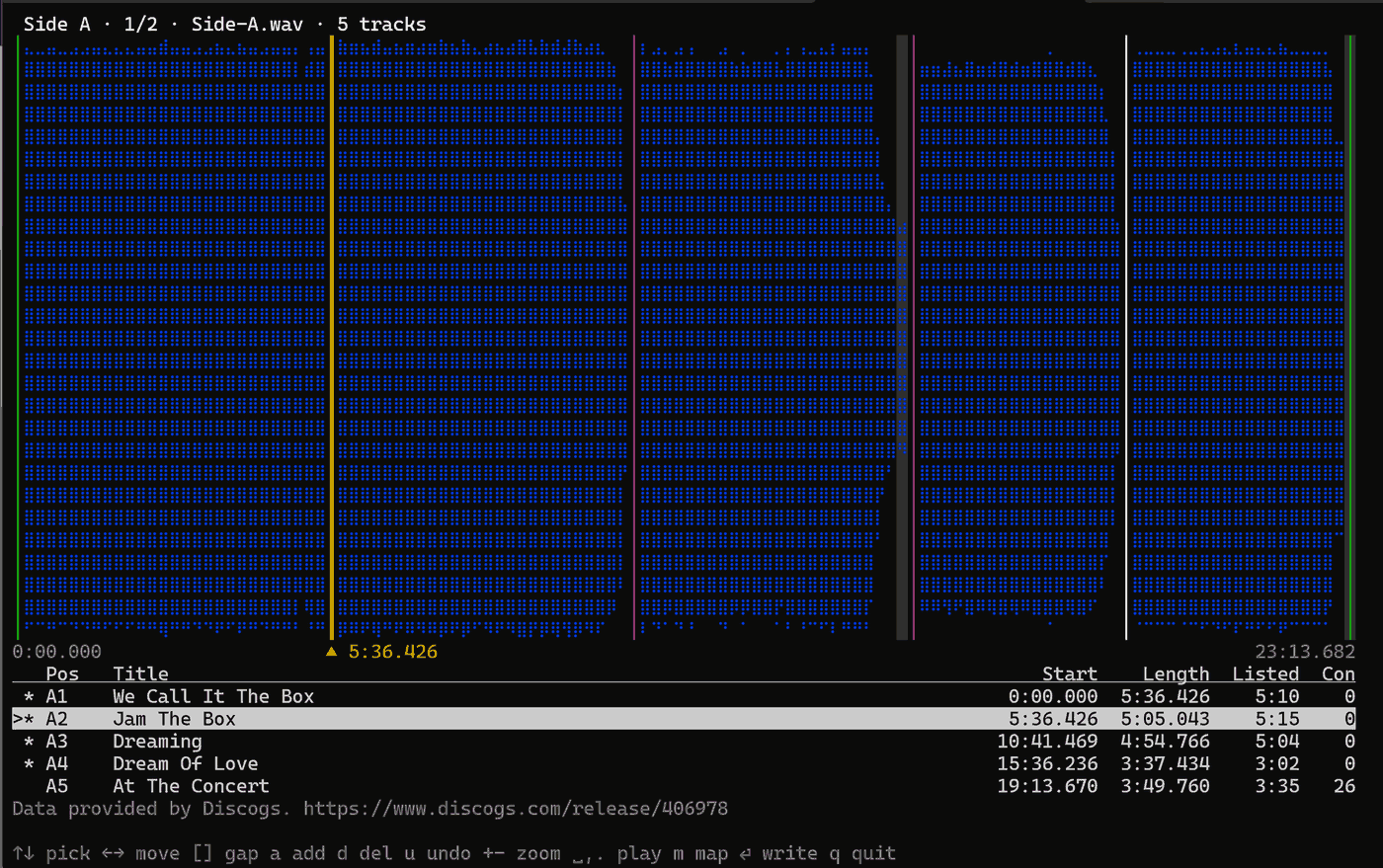
- Tagged files land next to the recordings, or in
--out.
No review, FLAC, normalized to -1 dBFS:
groovecutter split --auto --normalize --release 4570366 --out ~/Music side-*.wavJust look at a release first:
groovecutter identify --release 4570366